Skip to content
Volume 1IA da Terminale

Volume 1

IA da Terminale

How to turn your computer into a working environment you can control in plain language

You have used a computer for twenty years. Maybe thirty. You have written dissertations, invoices and apology emails. But no one has ever explained what is really inside that box.

This book does not teach you to program, and it does not teach you to be a prompt wizard either. It teaches you to stay in control: while the artificial intelligence opens folders, moves files and writes lines of code, you are already thinking about the next step, or about how to make the next time take half as long.

The part that used to be hard, it does. The part that is still hard is yours: saying whether what it did is right.

Cover of the book IA da Terminale: a folder, a PDF and a browser window converging inside a terminal window.

Why this book exists

The computer is not only yours any more

AI can use a computer far better than you can, and that is exactly why learning to talk to it is worth the trouble. It does not need to get better: you need to get more precise.

Chapter 1, First of all: what a computer is

For thirty years the software industry worked to make the computer easy, and making it easy meant taking it out of sight: icons, windows, round reassuring buttons. It was the right call, and it held up perfectly well while you were the only one using the machine.

But that simplification was made for eyes, and AI has no eyes on your screen. It has no hand on the mouse, it cannot double-click the icon, it has no idea what "that file on the desktop, the blue one" means. It works on the floor below — the one they hid from you for thirty years — where everything has a name and an address.

The computer has become a workspace for two, and it works to the extent that both can understand it. The machine is already down there: the one who has to take a step towards the other is you. This book is about that step, and about getting you to look at the machine this way until it stops feeling strange.

Everything else follows from there: if you know how the place where the two of you work is made, you also know what to ask, what to expect, and when to stop the machine.

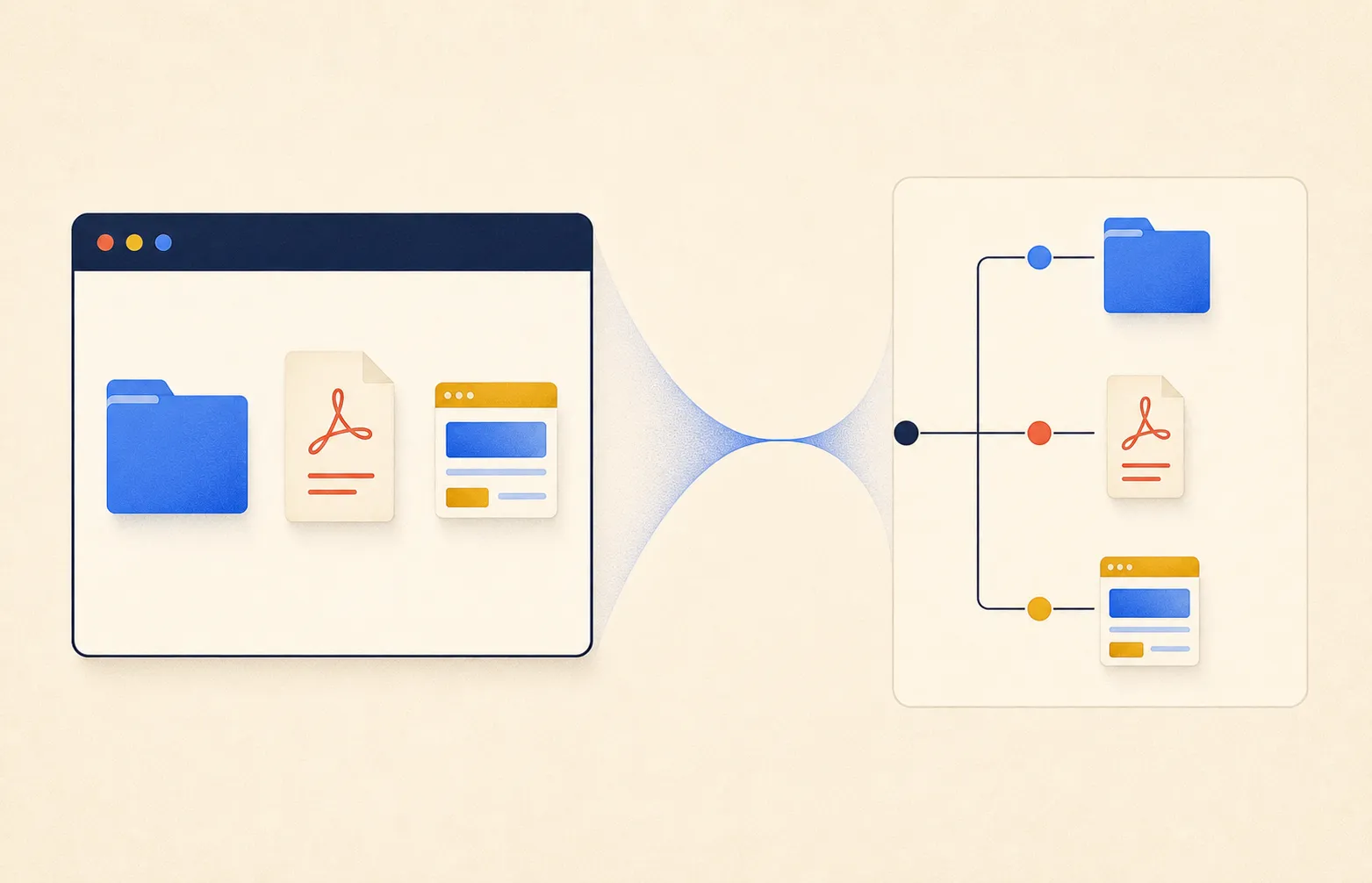
The same computer seen from two sides: on one, a window with a folder, a document and a browser; on the other, the same elements connected in a tree structure.
The same place, seen by you and seen by the machine.

The point

Why judging stayed hard

On a subject where you are competent, this thing is an extraordinary interlocutor, because you can weigh its objections. On a subject where you know nothing, the conversation looks exactly the same: same fluency, same confidence.

Chapter 6, The second project

For the first time the power of these tools is not reserved for the people who build them. Things that ten years ago required an IT department can now be asked for by anyone, in their own words. That is a real liberation, and it should not be played down.

Except that until yesterday doing and judging came together. Someone who could do a difficult thing could also say whether it had turned out well: it was the same competence, you learned to judge while you learned to do. Now the two have come apart. The doing you can get from somewhere else. The judging stays where it was.

And you use the machine mostly where you fall short: you did not get it for the work you already knew how to do alone. But outside your field you have nothing to hold on to when deciding whether it is right, and it never sounds any different.

A misspelled name is visible. A wrong number is not: it looks just like a right one. And a wrong judgement has the air of a right one.

The step this book takes you up is that one, and it is not where you expect it: it is not there to make you produce more, which is by now the easy part. It is there to put you in a position to check. That is where the four skills below come from — they are not tricks to memorise, they are what it takes to stand in that position.

What you learn

Four skills, not a list of tricks

Learning to work with a computer that can understand instructions, use tools and act alongside you. There are no formulas to copy: there are gestures that stay valid when the tool changes, and the book has you practise them one at a time.

01

Knowing where your things are

Folders, files, paths. It sounds like bureaucracy and it is the most important notion in the book: a machine that cannot see your screen has no idea what "that file there, the blue one" means. By the end you can point anything out, even out loud.

02

Watching the machine work

The terminal is the kitchen the AI cooks in. Someone who has never been inside only sees the plate coming out, and at that point they either trust too much or not at all. You learn to stand in the doorway: what it is doing now, where it is putting its hands, when it is worth stopping it.

03

Asking in a way that gets understood

Describing a result instead of a task, giving the right references, noticing when your request can be read two ways. It is the part that stays yours even when the work moves over to the machine.

04

Checking what comes back

Telling a good result from one that merely looks good: counting, looking at the extremes, checking the order of magnitude. And being able to go back to when it worked, knowing which few things cannot be undone.

Annotated contents

The first four chapters

Volume 1 is complete. It can all be read here, with no sign-up and without leaving an email address.

01

First of all: what is a computer

Ready to read

Store, transform, communicate: everything a machine has ever done fits in three verbs. Then the archive — where your things actually ended up — and the path: a file's address, which is how you will point things out to an AI.

  • read a file's address, and be able to dictate it
  • understand why a program does not contain your documents
  • recognise the machine's points of entry

Read chapter 1: What a computer really is →

02

Getting started with the terminal

Ready to read

The terminal is not dangerous in itself: it is about as dangerous as your kitchen. You go in, you look around, you move between folders. In the whole chapter there are only two commands capable of doing damage, and they sit inside two thick-bordered boxes.

  • move between folders without a mouse, always knowing where you are
  • create, copy, move and delete files from the command line
  • read any command and understand how it is put together
  • recognise the only two things that can do real damage

Read chapter 2: The terminal, in half an hour →

03

Who you have on the other side

Ready to read

The first half explains what these tools materially are, what they see and how they fail: that is the mental model that lasts. The second half names names, tells the products apart and compares costs: that is the part to consult and keep updated.

  • tell a chat, a reasoning model and an agent apart
  • understand what a model knows and what it cannot possibly know
  • choose between free, subscription and pay-as-you-go without losing three weeks

Read chapter 3: Which AIs exist, and which one you need →

04

From generative AI to agentic AI

Ready to read

The first time you watch it work it makes an impression: the wonder and the knot in your stomach are equally wrong. They have the same cause — not knowing what is going on. It has not become smarter: it has been given hands.

  • tell a tool from a harness, and see why the harness matters more than the model
  • recognise the loop: look, decide, act, read the outcome, correct
  • set the perimeter, meaning where it is allowed to put its hands
  • dose autonomy so that being wrong stays cheap

Read chapter 4: From AI that writes to AI that does →

How it is built

It is read with the terminal open next to it

Every concept closes with three lines: the concept, a short task, and an observable test you can apply to yourself. That is the difference between reading a book and learning something.

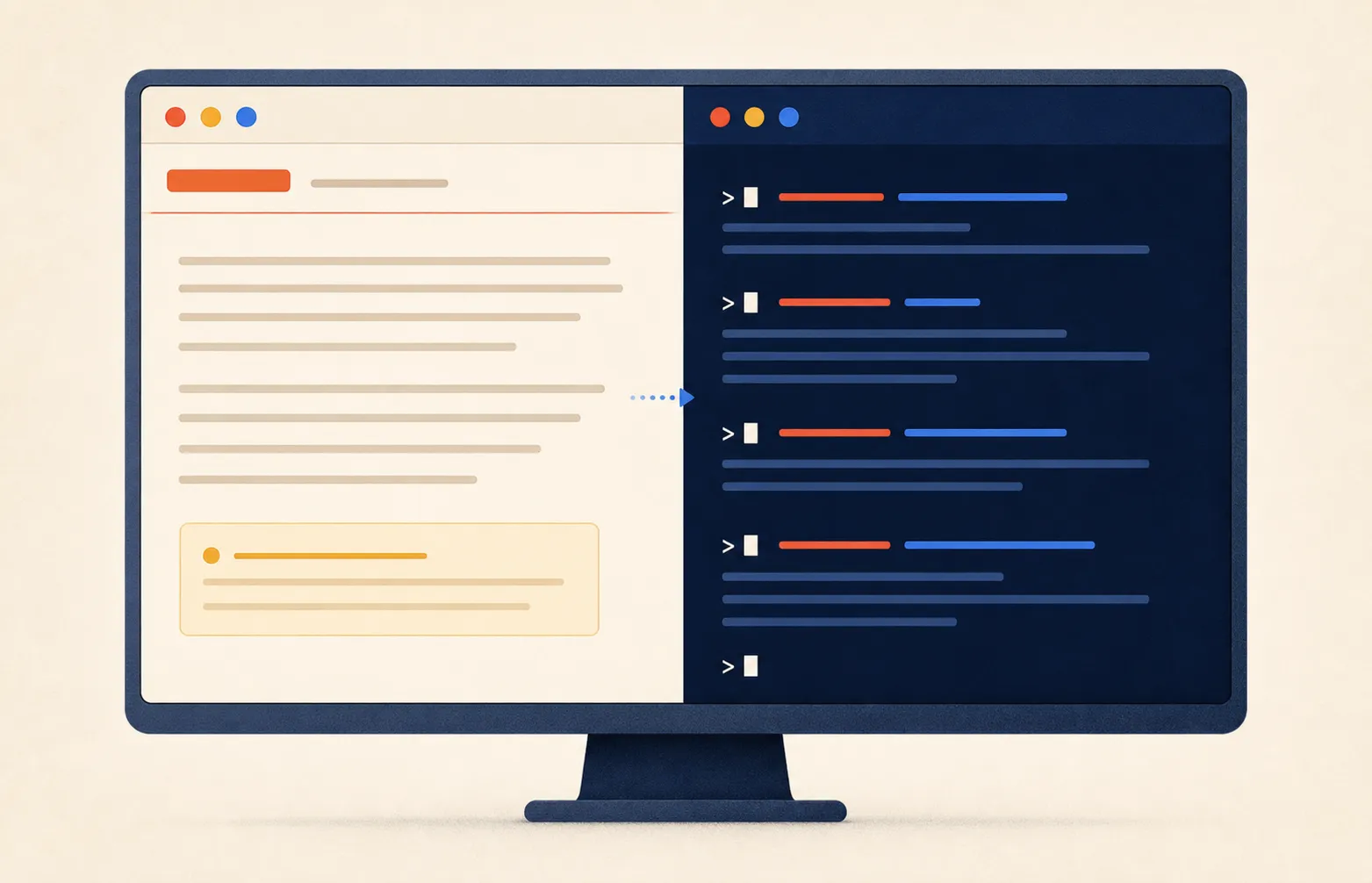
The exercises are done at the computer, not in your head. That is why the site is built to sit in half a screen, next to a terminal window: nothing breaks below five hundred pixels, nothing is hidden, nothing asks you to sign up to keep reading a page that is already open.

A monitor split in two: the chapter text on a light background on the left, and a midnight-blue terminal window with commands on the right.
Read in half a screen, with the terminal in the other half.
$ pwd
$ ls

Two commands, and you know where you are and what is there. The book starts here and never takes the previous step for granted.

Who it is for

No qualification required. What is required is the curiosity to lift the lid.

There is no professional profile this book is aimed at. There is an attitude: you use a computer to do things you care about, and you suspect there is far more inside that box than you have been shown. The terminal strikes you as obscure and powerful. Obscure it is not. Powerful it is — and that is exactly the reason to learn your way around it.

This is for you if

  • The computer is where you work or where you build your things, and you have never had a reason to look under the surface.
  • You already use AI in a browser window and you have the feeling you are asking it for far less than it could do.
  • You opened the terminal once, saw the black screen and closed it again. That was not unreasonable fear: it was not knowing what you were looking at.
  • You have an idea in a drawer and you suspect that today it can be built without hiring anyone and without asking anyone's permission.

This is not for you if

  • You are looking for a course to become a programmer: here you learn to say what you want to someone who already knows how.
  • You want the manual for one specific tool: the book teaches gestures, not products, and does not contain a single model logo. Names live in the blog, where they can be kept up to date.
  • You expect an online shop to build itself in two minutes. It will not, and the book says so from the first chapter.
  • You want someone to tell you what to type without explaining why. Here every command arrives with the reason it exists.

Frequently asked

The things everyone asks

They are here in plain sight, not inside a panel you have to open: if you need an answer, you find it by searching the page.

Do I need to know how to code?
No, and by the end of the book you still will not. You will learn to tell someone who does know how to code what you want, and to understand enough of what happens to check it and stop it.
Do I need a Mac?
No. The exercises say every time what changes on macOS and what changes on Windows, and chapter 3 also covers people using Linux. The differences are fewer than you expect.
Which AI do I need to follow it?
No particular one. The book teaches gestures, not a tool: it works with Claude, with ChatGPT, with Gemini, or with whatever comes next. Chapter 3 helps you choose, without telling you what to buy.
How much does it cost to use an AI for the things in the book?
Free tiers are enough to try, not to work: the limit always arrives in the middle of the important thing. A subscription is around twenty euros a month and is the right choice for almost everyone. Whether it is worth it you decide after the first month, by looking at what you got done.
Is the terminal dangerous?
Looking, entering folders and asking what is inside cannot break anything, ever. The commands that do damage are two, they are called rm and sudo, and in the book they sit inside thick-bordered boxes that say what happens if you get them wrong.
Can the book be read for free?
Yes. Every chapter can be read in full on this site, with no sign-up and without leaving an email address. The EPUB and PDF ebook is not ready yet: when it is, it goes to everyone subscribed to the updates.
Isn't a book about AI already out of date when it ships?
Partly, yes, and the book says so. What ages is model names and prices. What does not age is how a computer is made, how you point something out to a machine, and how you check someone else's work. The site is where the perishable part gets updated.
How do I follow new material?
You can subscribe to email updates or use the RSS feed without registering. Both announce new chapters, practical recipes and significant revisions. The ebook, though, only arrives by email, to subscribers.
From the blog

The book explains, the blog shows

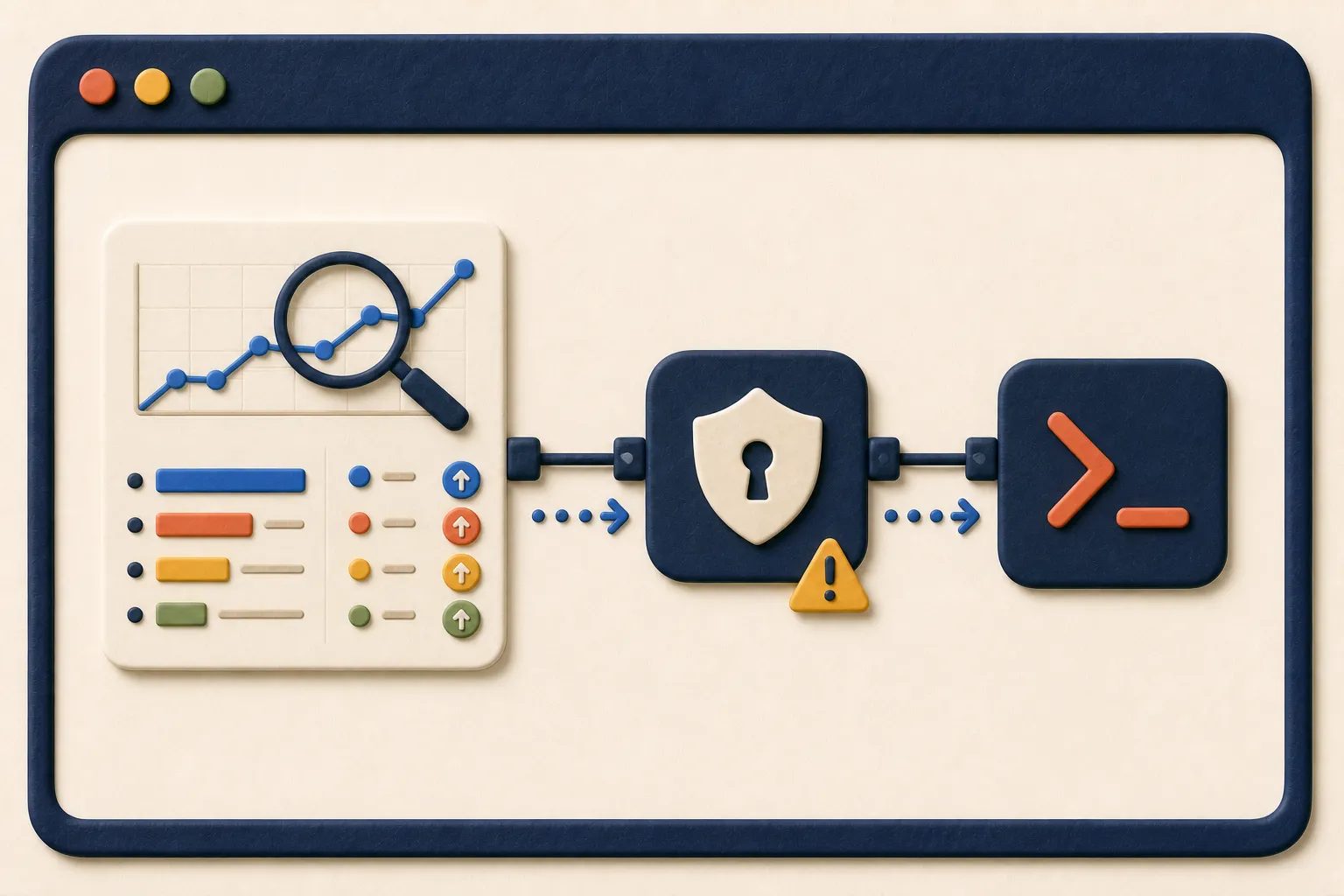
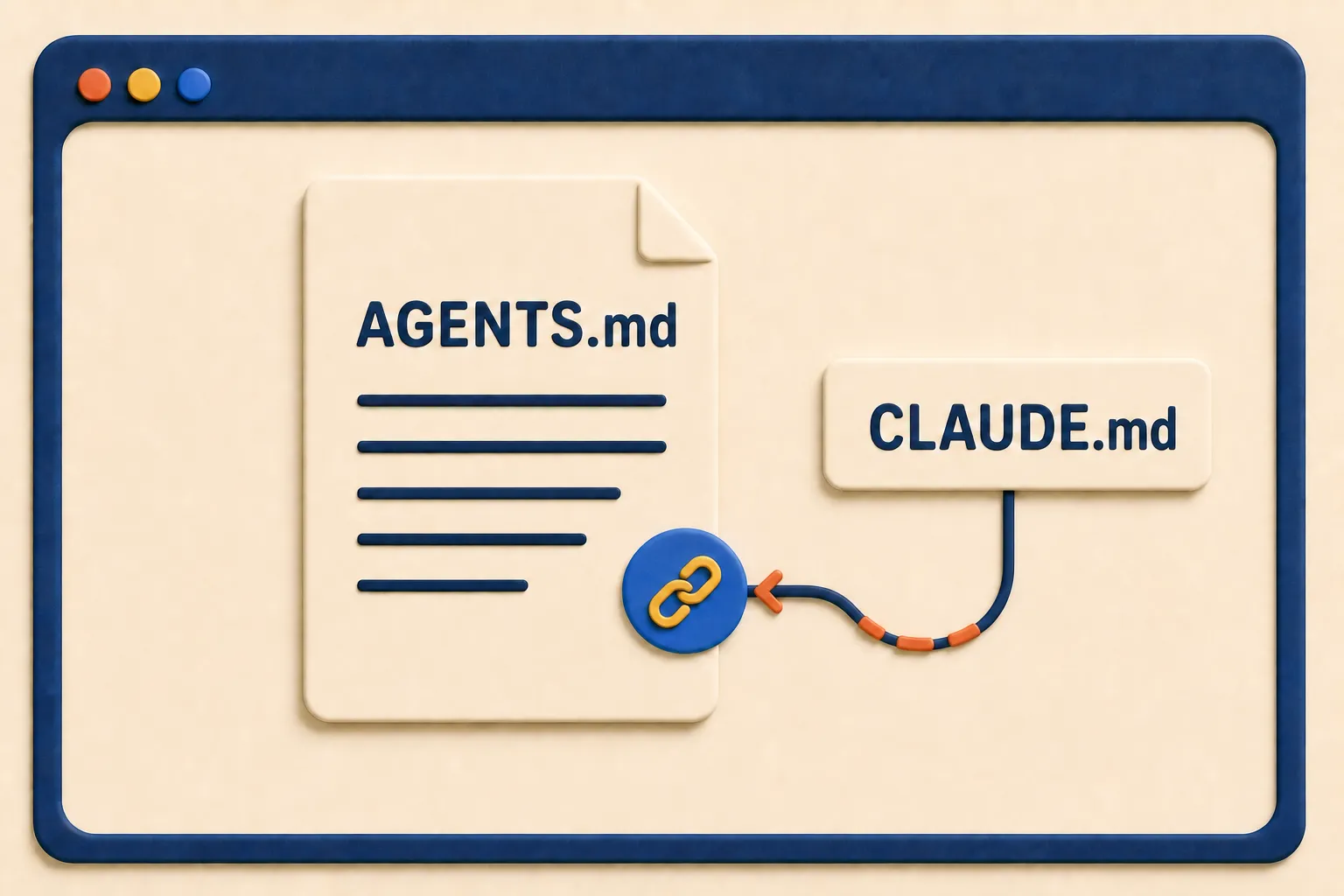
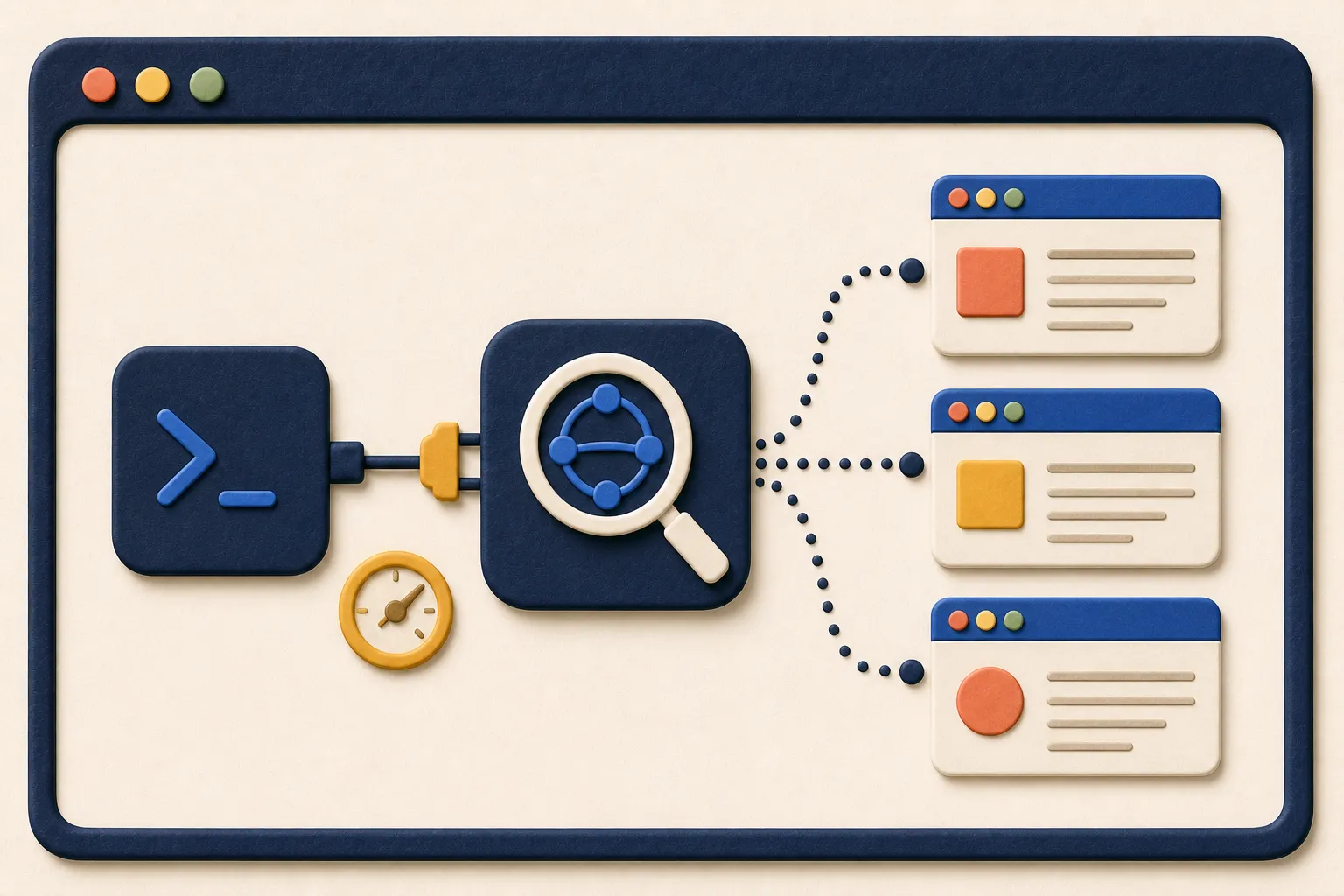
The eight chapters can already be read online in full: the blog is the material around them, made of real cases, procedures to redo on your own work, and starting points. Below, the latest piece from each of the three strands: a recipe to follow from start to finish, something to understand before getting your hands in, and a tool to connect to your agent.

The articles are in Italian. The commands, the file names and the tools in them are not: if that is what you came for, they are usable as they are.

Free ebook

Subscribe and get the ebook

Usually what you download in exchange for an email is an extract, or a taster chapter. Here it is the whole of volume 1, in EPUB and PDF, with every chapter and figure: the same text you read on this site, to carry on a reader, consult offline and annotate however you like.

You also get an email when we publish new chapters, practical recipes or significant updates to the project. We write only when there is something worth reading: no constant promotional email, and your address is never passed on to anyone.

In preparation. The ebook is not ready yet: subscribe now and you get it as soon as it is out, with nothing else to do.

The ebook and the emails are in Italian. The web edition of the book is available in English; subscribing is worth it if you read Italian or are happy to run the messages through a translator.

Rather not leave your email? The translated chapters are also in the English RSS feed. The ebook is not: that one goes by post.